 Online Fee Payment
 Student Forms


.webp)
STORIES
Events, News & Activities
Std 6: Vocational Training Computer
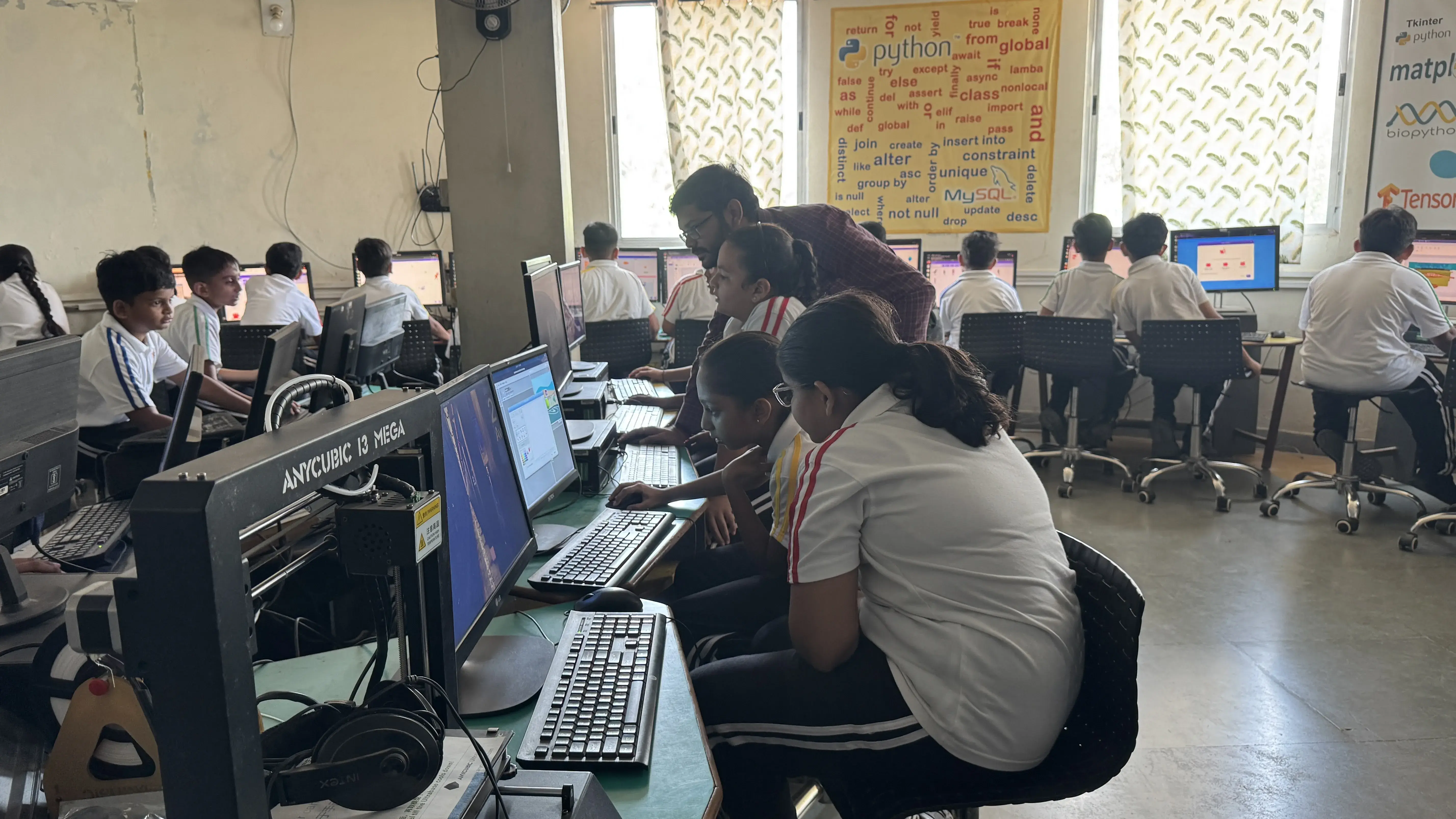
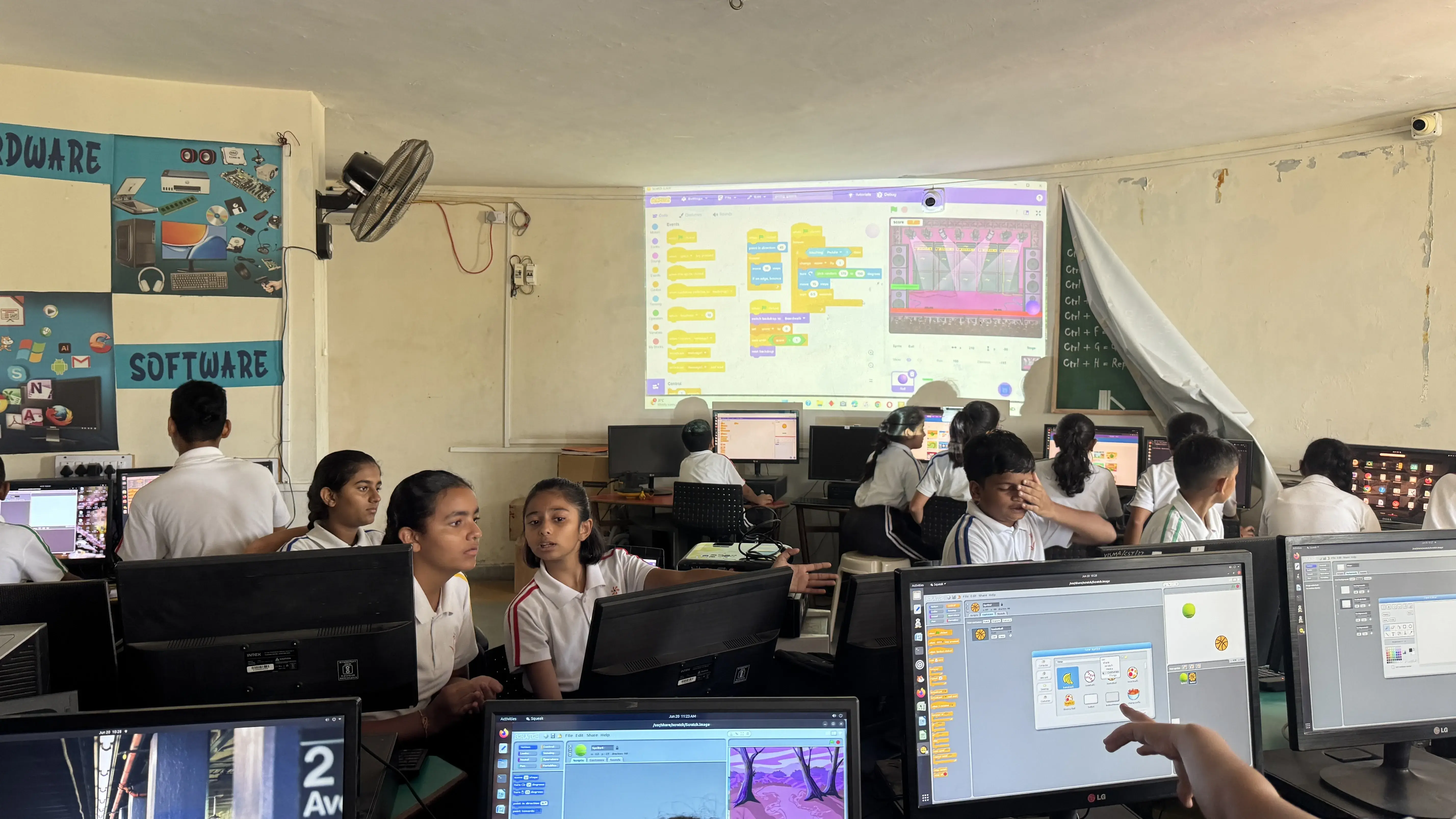
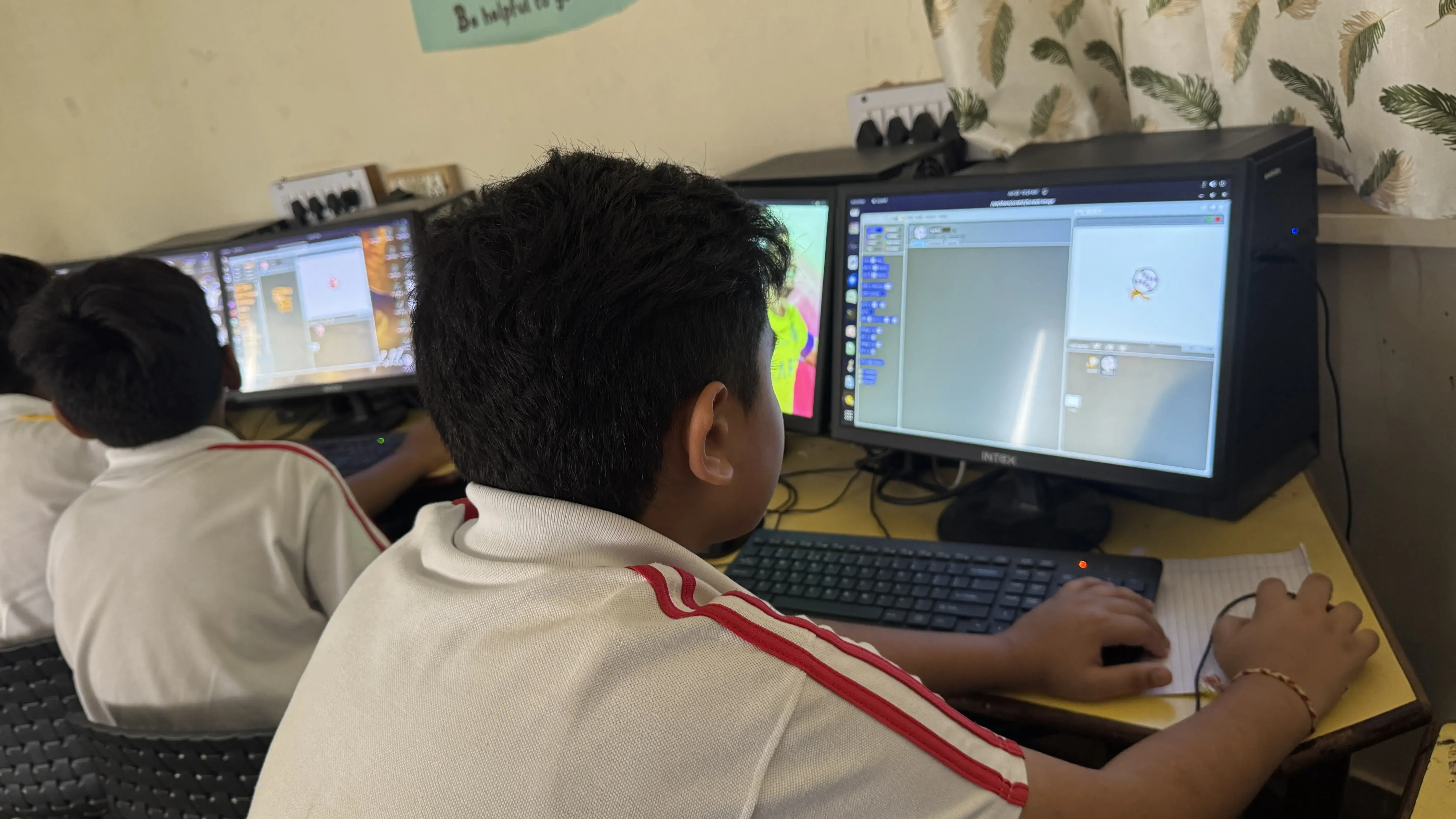
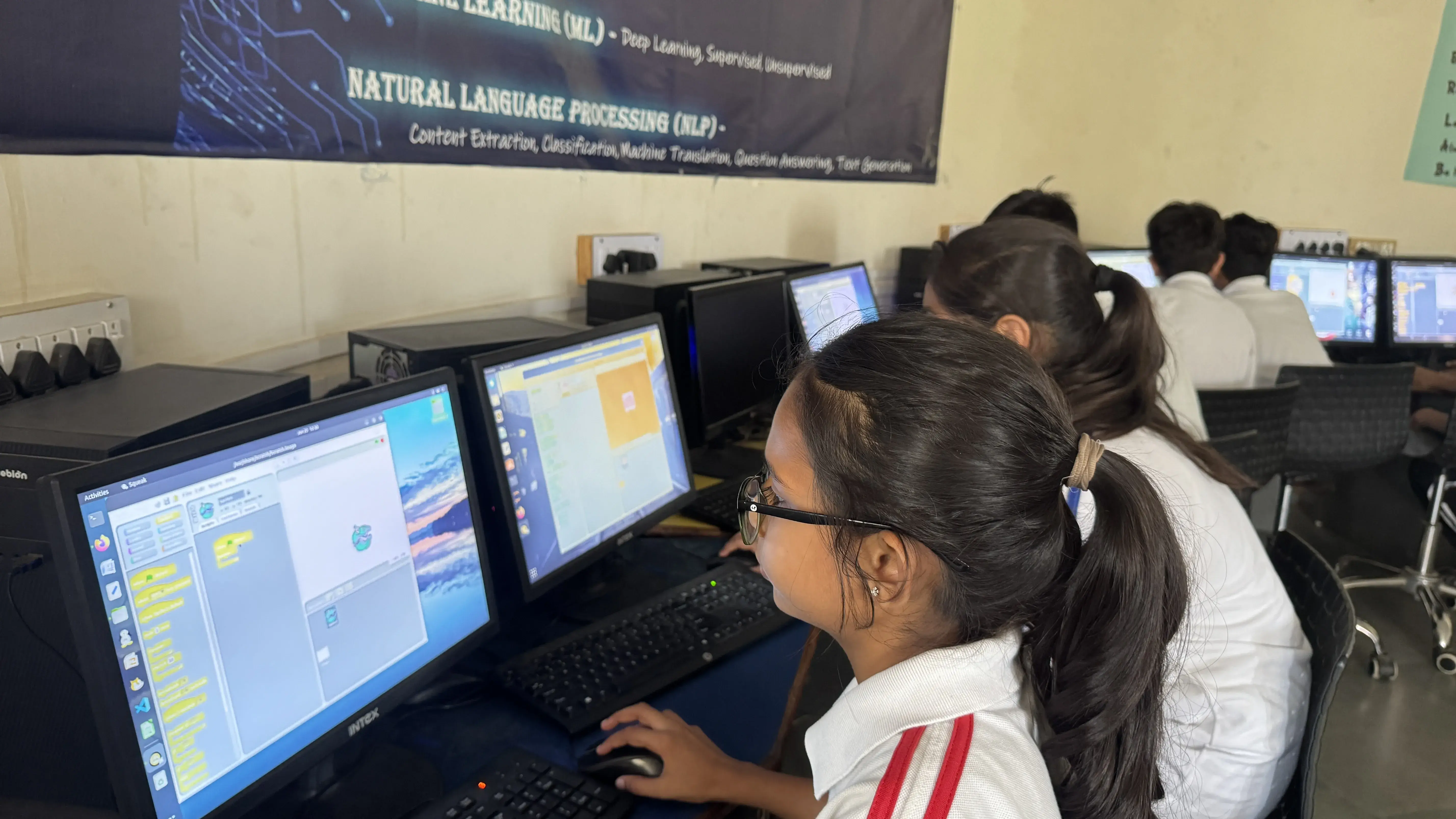
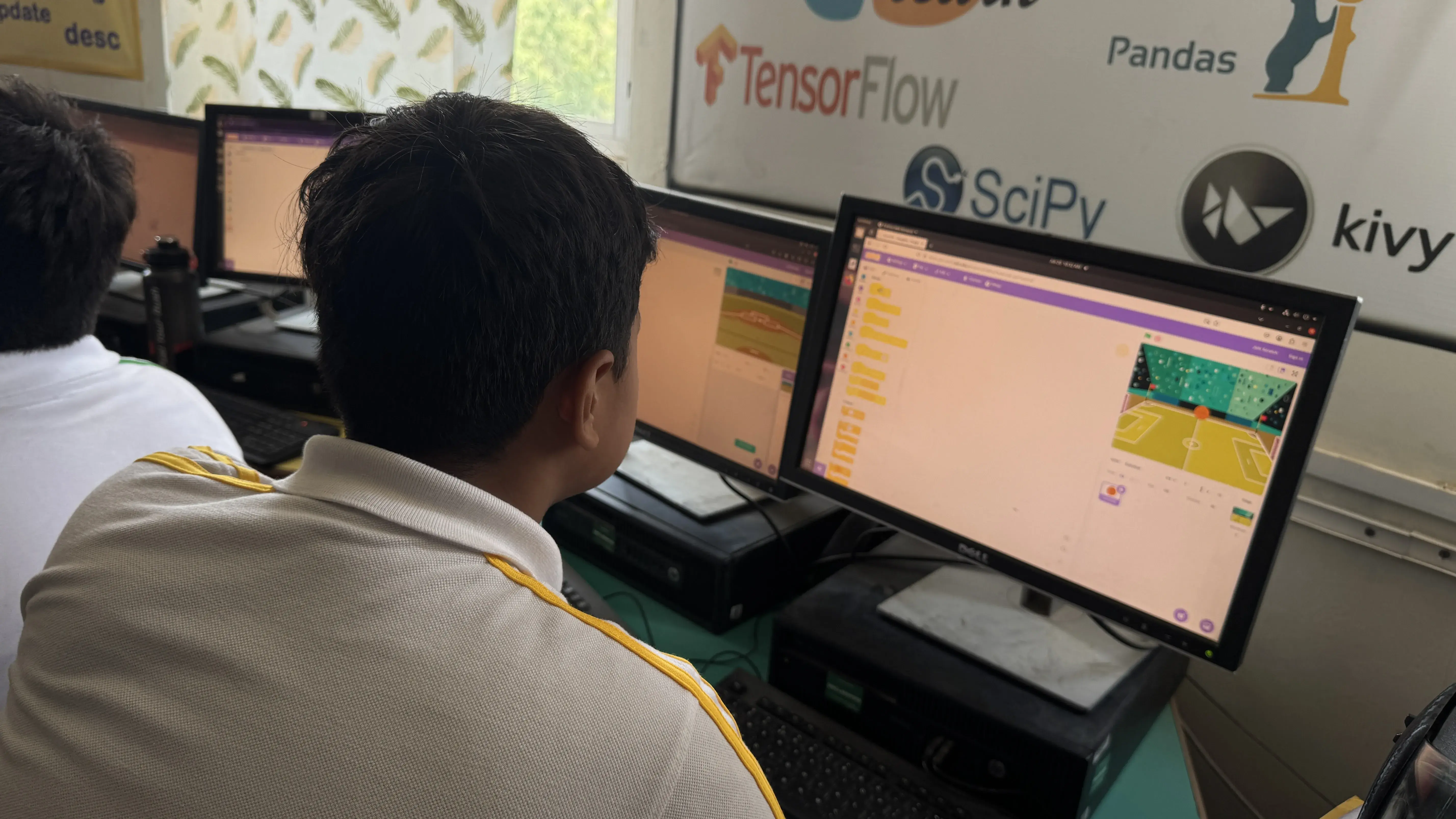
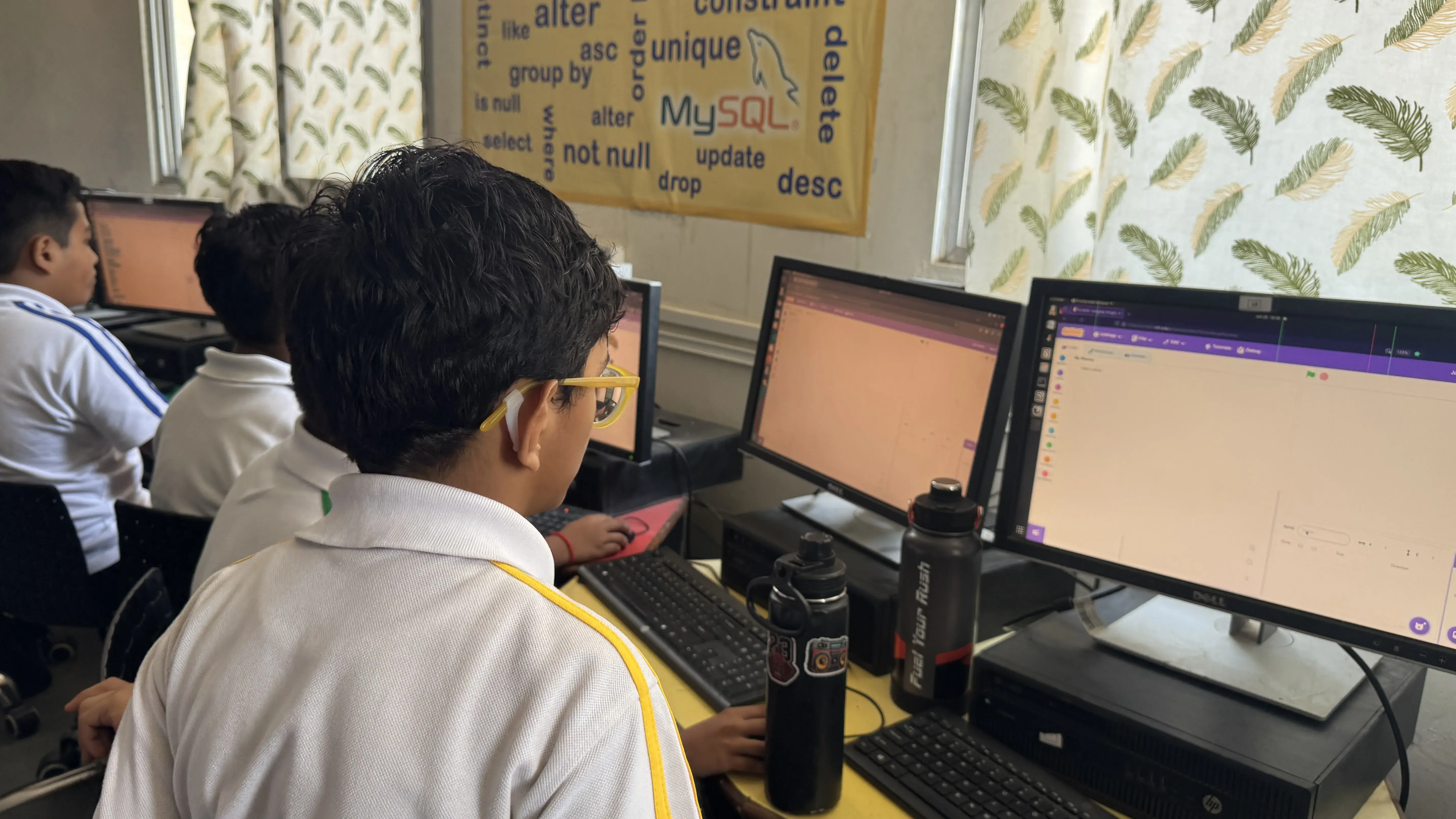
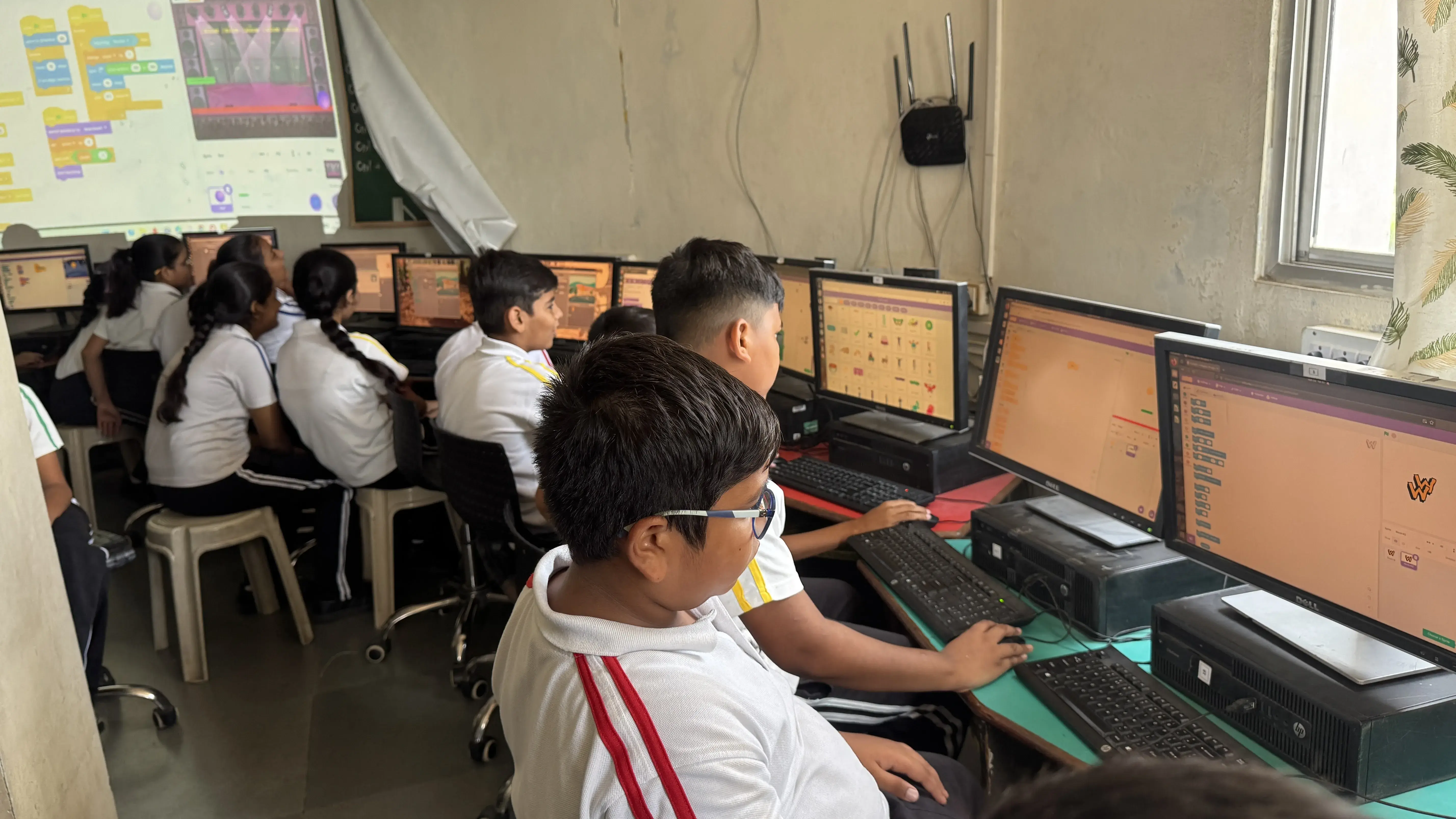
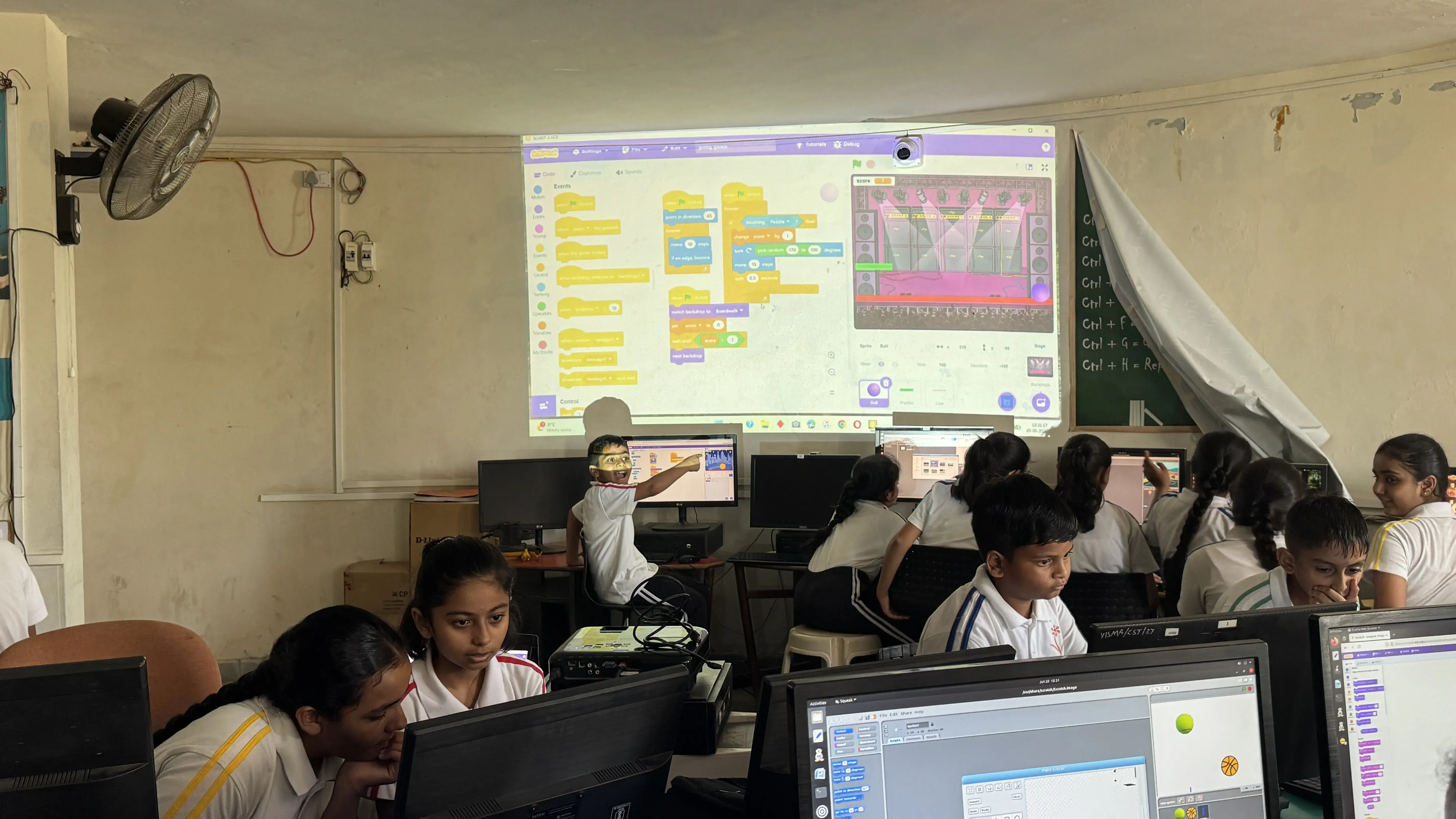
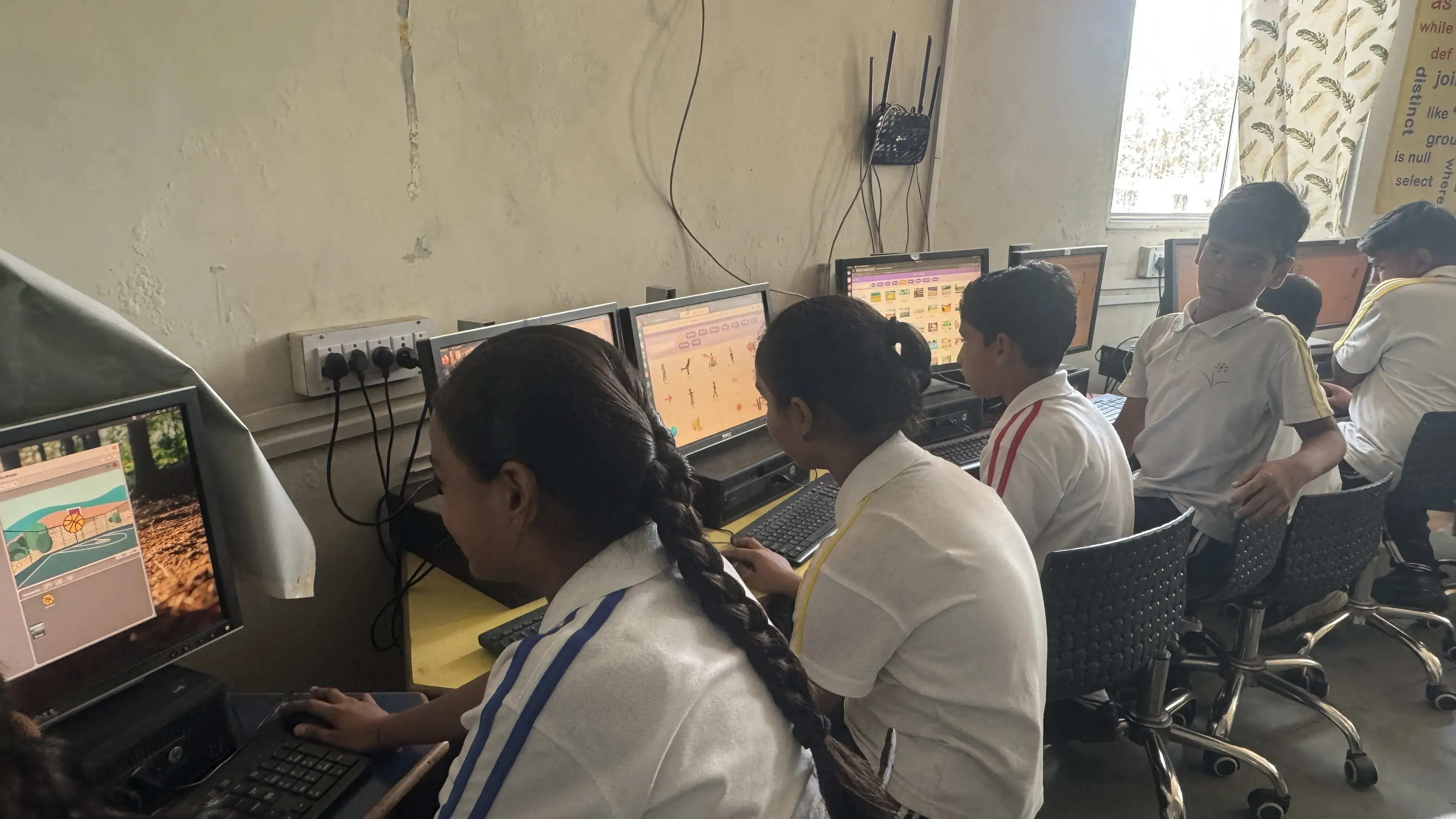
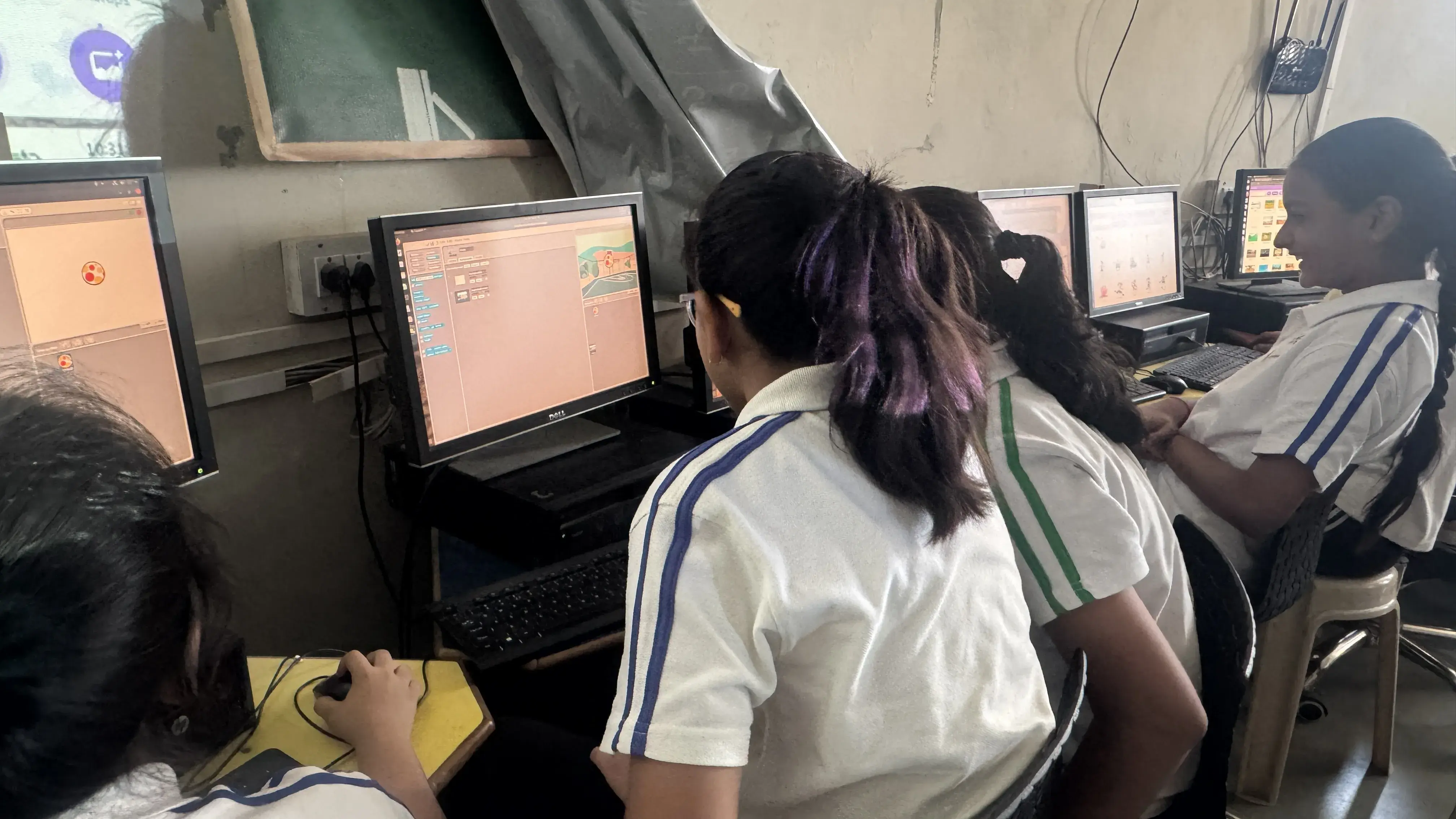
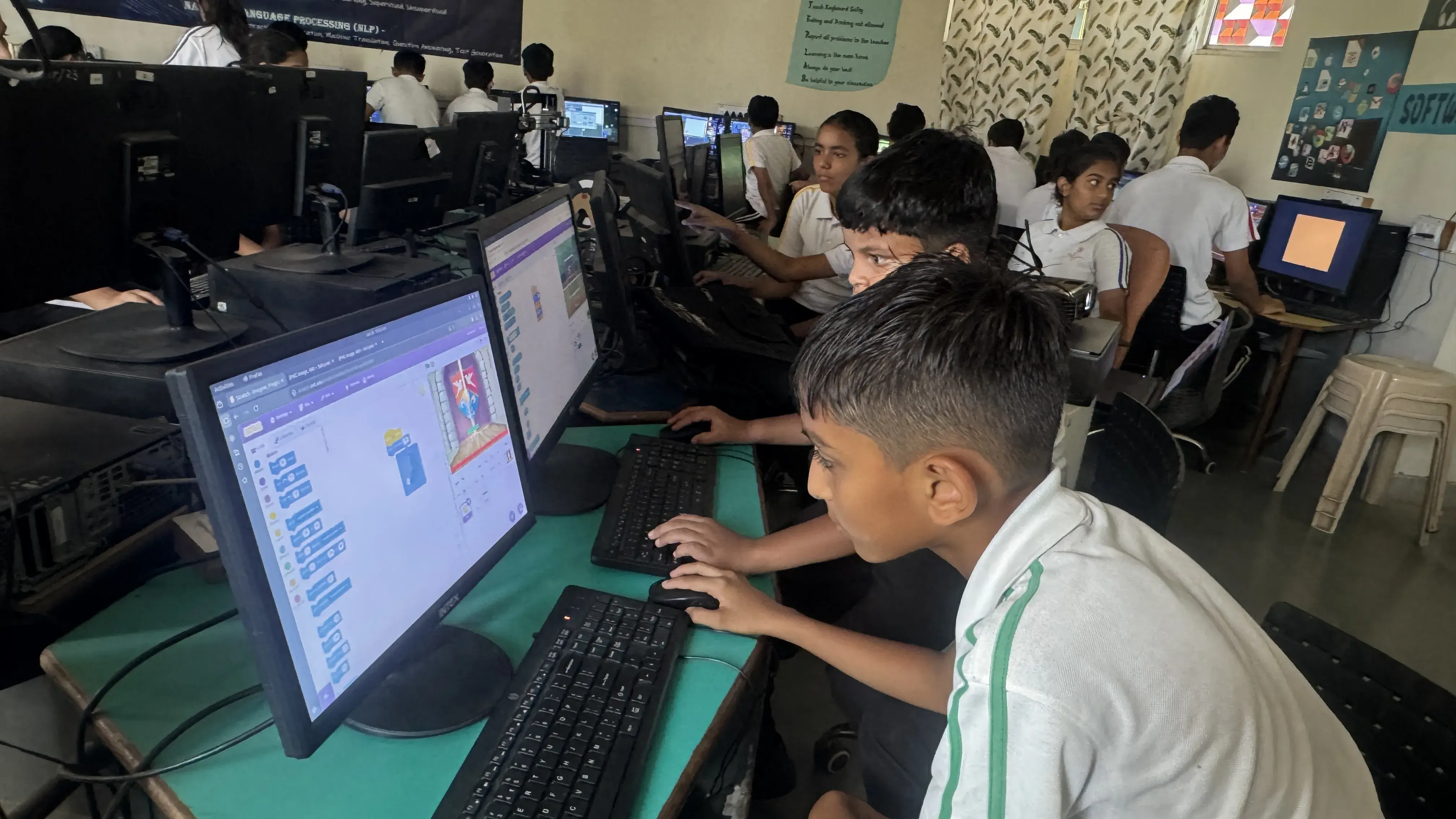
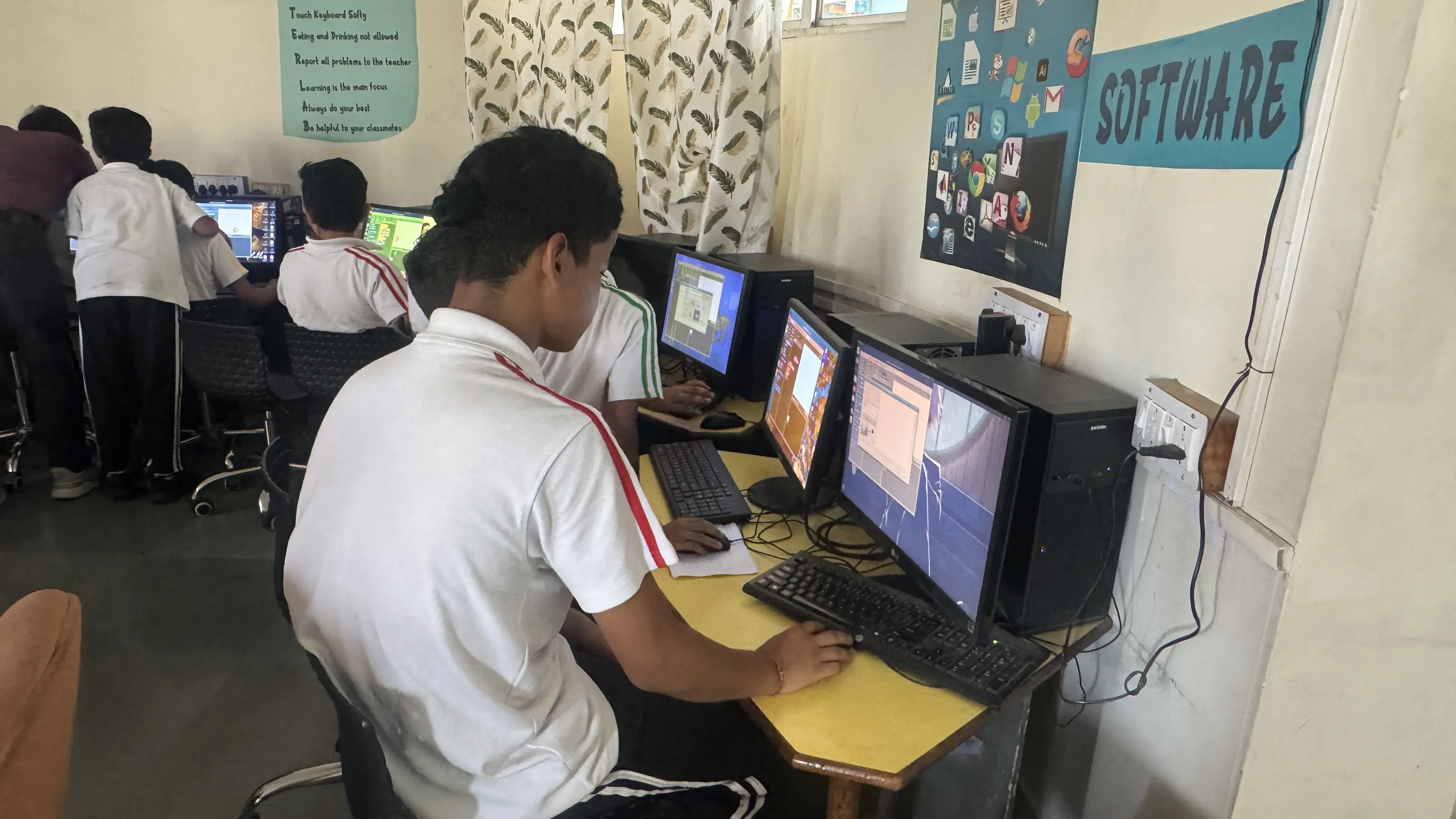
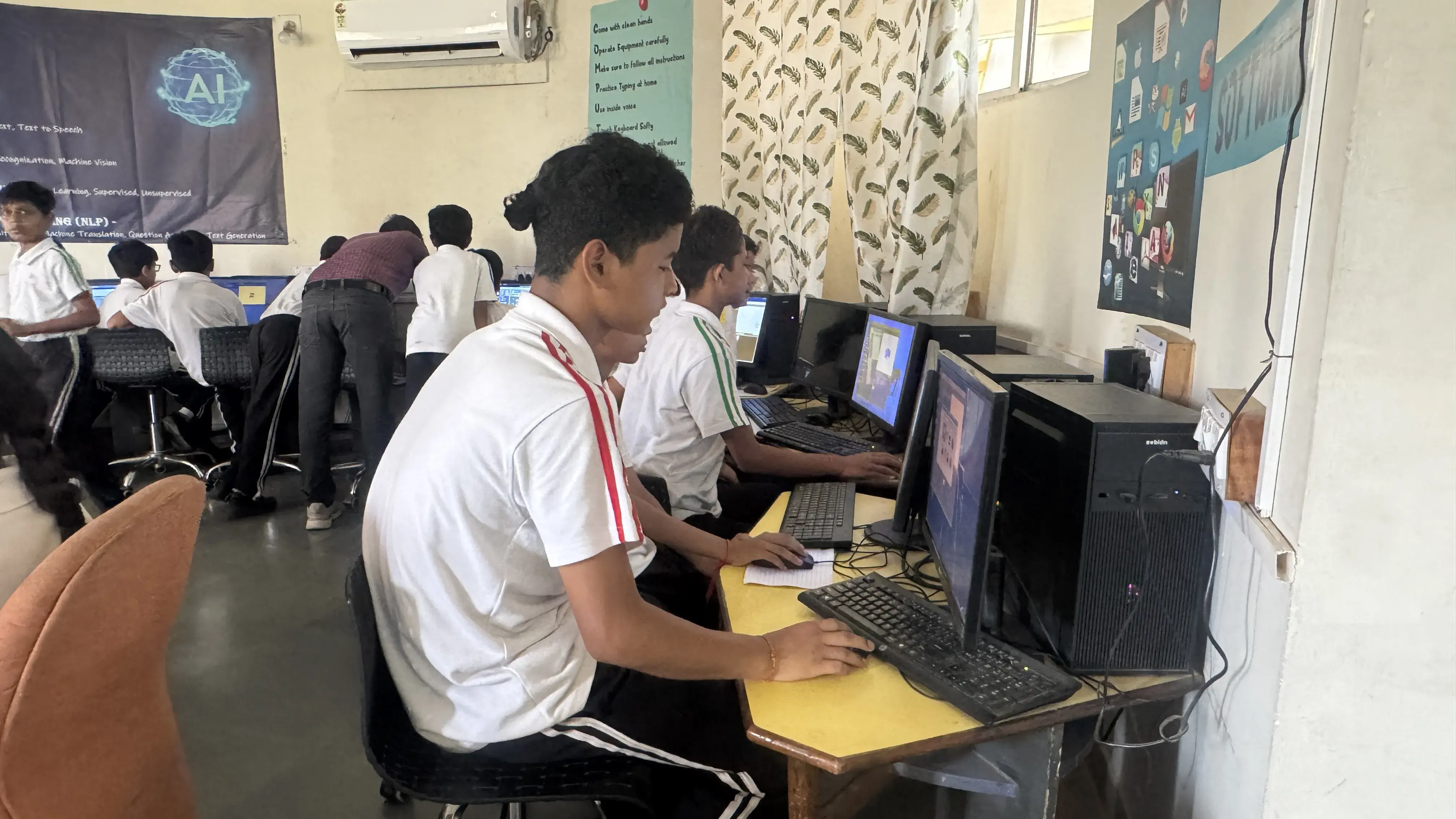
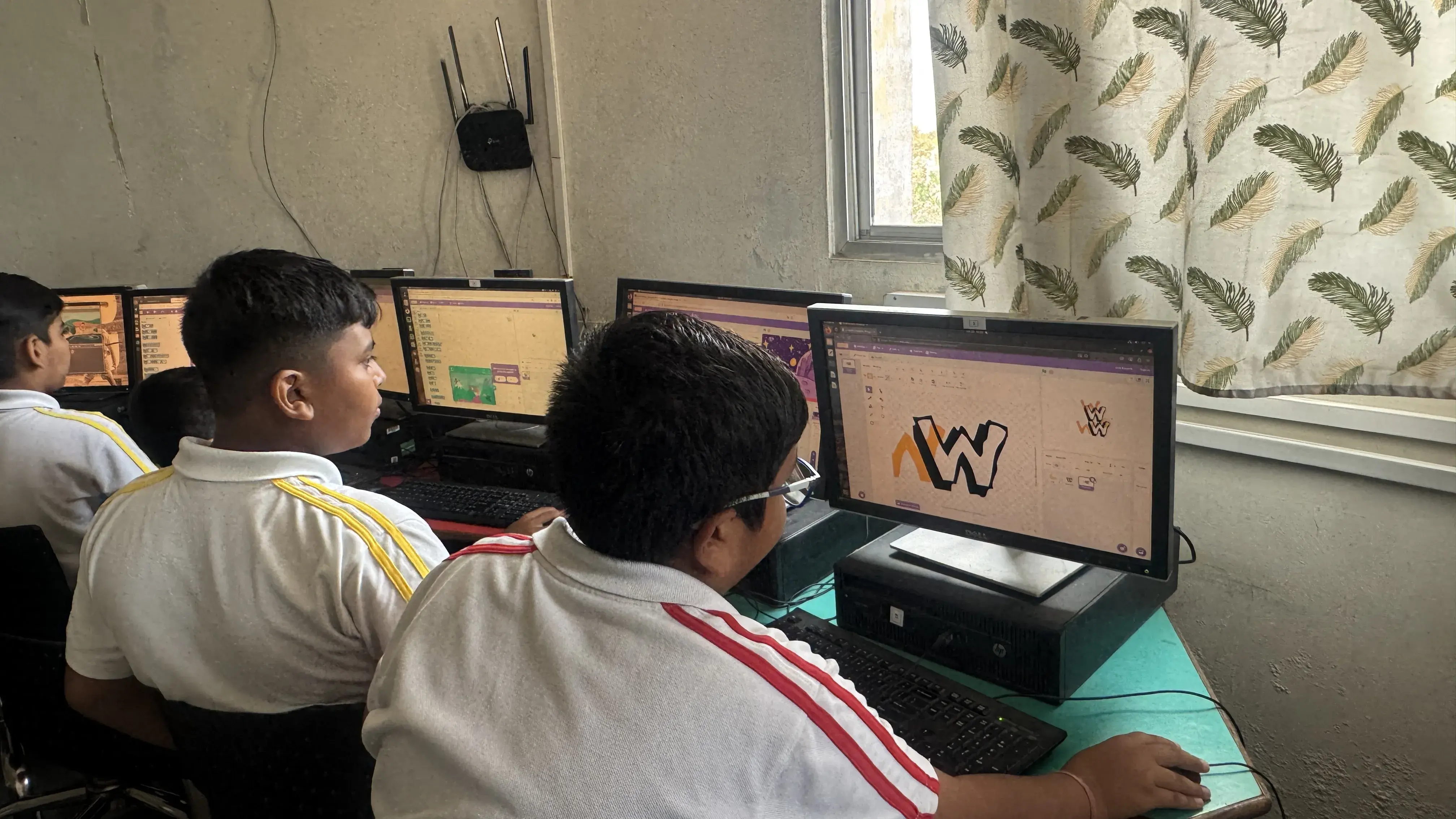

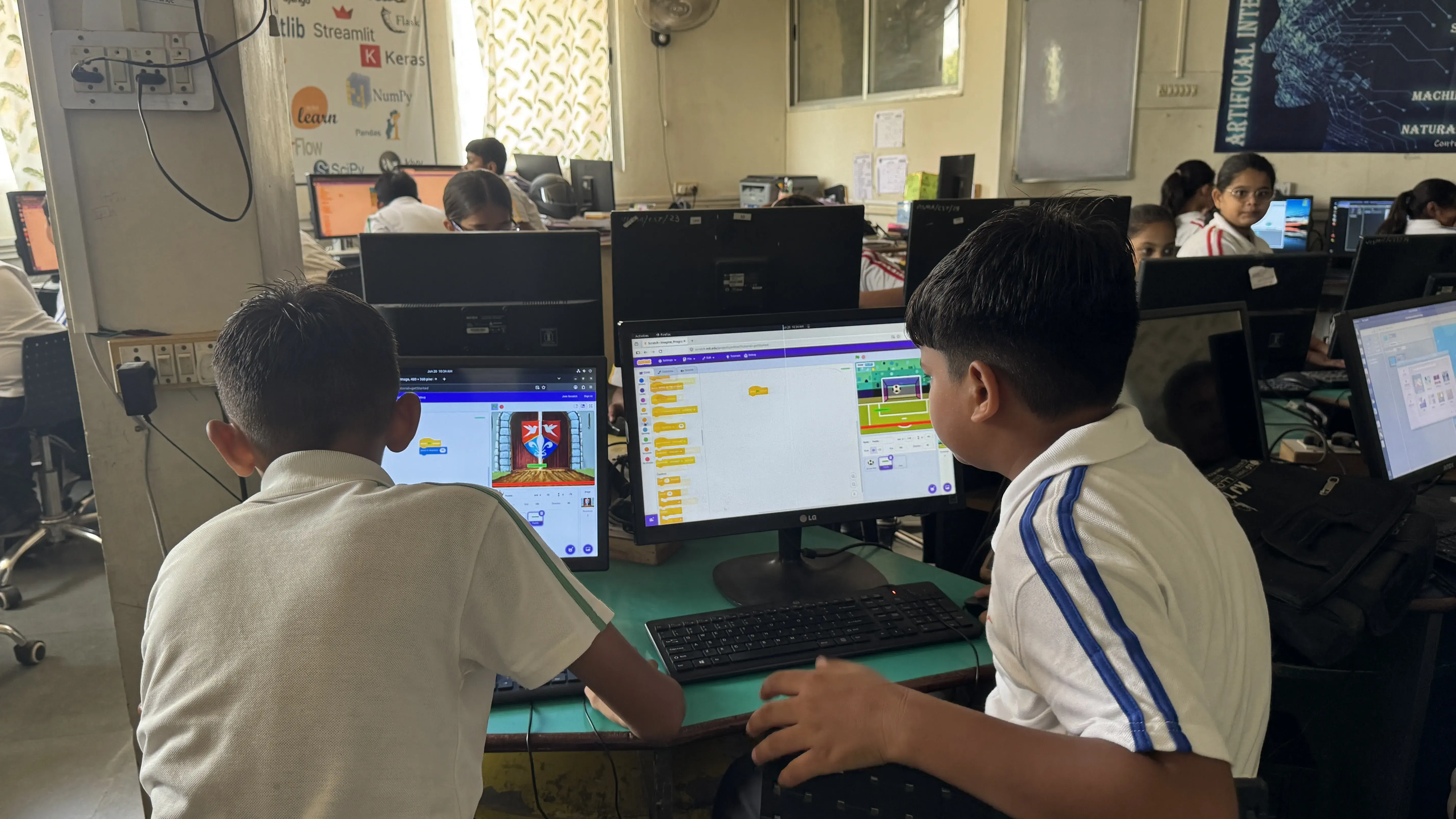
In this activity, class 6th students during their Computer Vocational Training explored the Scratch software, a block-based visual programming platform. They learnt how to apply sprite effects and then use coding concepts to create a simple basketball game. This session encourages creativity, logical thinking and hands-on practice in game design. Children were able to understand the concept of sprites and how to add or edit them. They also learnt how to give effects to sprites such as size change, background colour and layout change and motion effects. Through this they gained practical knowledge of event-driven programming in Scratch and develop problem-solving and creativity skills through coding.